Excel AI Vault v1.1
250 Excel Prompts. 15 Categories. One Practical Vault.
Stop searching for the right Excel formula every time you get stuck. Excel AI Vault brings 250 ready-to-use formula prompts, practical examples and Excel reference resources into one offline digital toolkit.
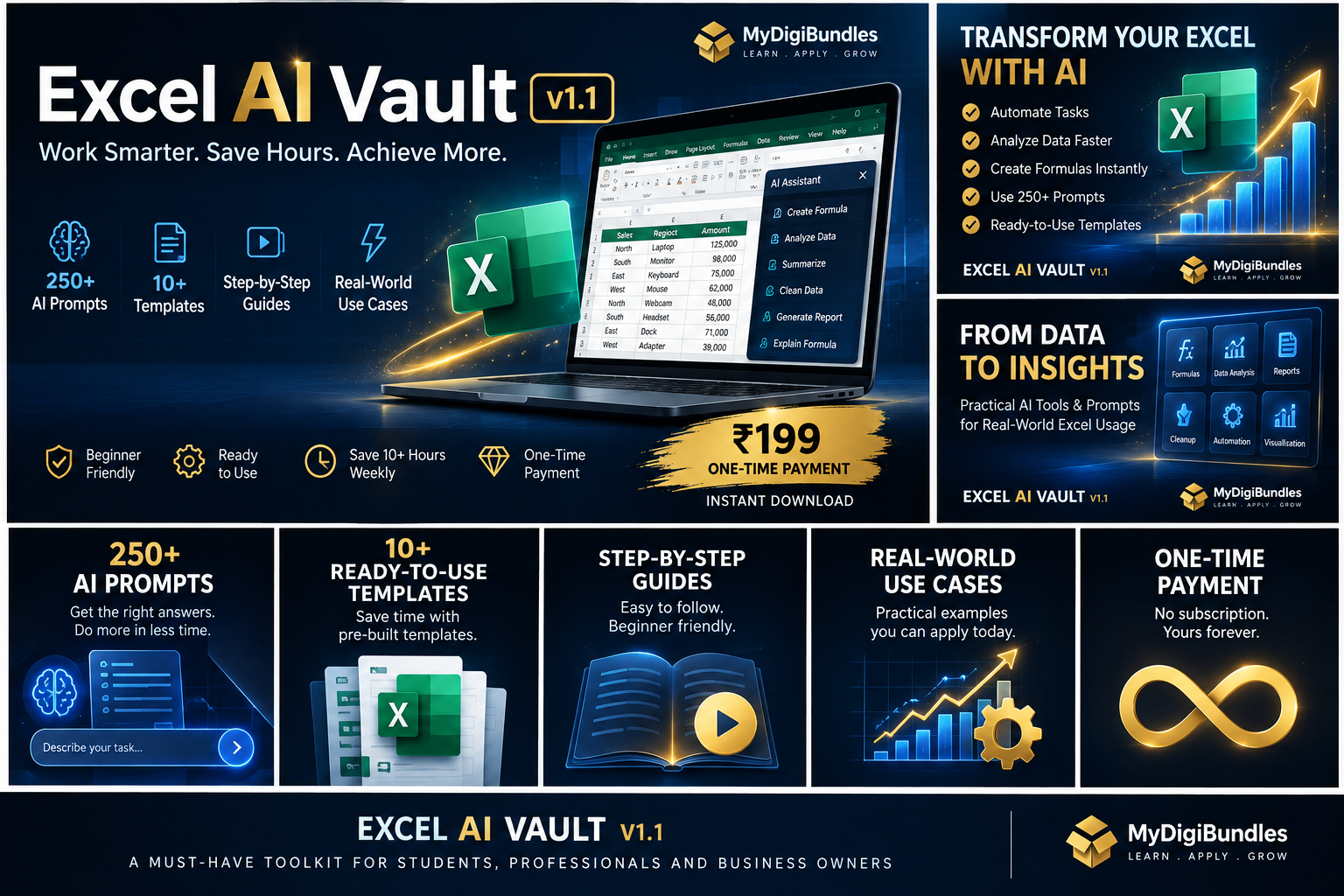
Everything You Need to Work Faster in Excel
- 250 ready-to-use Excel formula prompts
- 15 practical prompt categories
- Favorites & Recently Used
- Prompt Workspace
- Formula Cheat Sheet PDF
- Excel Error Guide PDF
- Works offline
- No login required
From Excel Question to Ready-to-Use Formula
Excel AI Vault is designed to make formula discovery and reference faster without requiring you to remember complex Excel syntax.
Find the type of Excel problem you're solving
Browse the 15 categories to locate the kind of formula scenario you're facing.
Open the relevant prompt and adapt it to your situation
Each prompt explains the formula in plain English so you can adjust it to your own data.
Use the formula and explanation in your workbook
Copy the formula into your spreadsheet, with the explanation on hand for next time.
What Excel AI Vault Gives You
Built for Real Excel Work
Examples of the kind of formula scenarios the prompt library can help with — not customer stories.
Totals by condition
"Calculate totals based on multiple conditions"
Cross-table lookups
"Look up values from another table"
Conditional logic
"Create conditional logic"
Dynamic filtering
"Filter data dynamically"
Group summaries
"Summarize data by group"
Error handling
"Handle common formula errors"
Matching records
"Match records across two lists"
Date calculations
"Build date-based calculations"
Stop Searching. Start Building.
Before
- —Search Google for formula syntax
- —Open multiple pages
- —Adapt examples manually
- —Forget the formula later
- —Repeat the process
With Excel AI Vault
- ✓Find a relevant prompt
- ✓Understand the formula
- ✓Adapt it to your workbook
- ✓Save useful prompts in Favorites
- ✓Reuse your references when needed
Your Excel AI Vault Includes
- Excel AI Vault v1.1
- 250 Formula Prompts
- 15 Categories
- Favorites
- Recently Used
- Prompt Workspace
- Formula Cheat Sheet PDF
- Excel Error Guide PDF
- Offline HTML Application
Secure checkout. Digital delivery after purchase.
Who Is Excel AI Vault For?
Working Professionals
People who use Excel regularly and want faster access to practical formulas.
Finance & Reporting Teams
People working with calculations, reporting and data analysis.
Operations Professionals
People who repeatedly build spreadsheets and need practical formula references.
Excel Learners
People who want to understand formulas through practical examples.
Managers & Analysts
People who need to work with Excel without becoming formula experts.
Who It's Not For
Excel AI Vault is not a replacement for Microsoft Excel, a live AI assistant, or a full Excel course. It is a practical offline prompt and reference toolkit designed to help you work faster.
Why Excel AI Vault?
Questions About Excel AI Vault
What is Excel AI Vault v1.1?
Is Excel AI Vault a subscription?
Does Excel AI Vault work offline?
Do I need a login?
Is this suitable for beginners?
What is included?
How do I receive the product after purchase?
Can I use it with Excel 365?
Can I use the formulas with Google Sheets?
Can I get help if I have an issue?
Ready to Stop Searching for Excel Formulas?
Get 250 practical Excel formula prompts, organized into 15 categories, plus reference resources designed to help you work faster.
MyDigiBundles is built from Work Smart Tech, where practical AI tools, automation and workplace productivity are tested and explained for working professionals.
A brand by Evoranta